
 We have all been there. You open a file, make a quick change, save it without thinking, and then realize you need the previous version back. Maybe it was deleted by mistake, overwritten, or simply changed too far to undo.
Good news. Windows has a built-in safety net called File Version History that can help recover earlier versions of your files.
File Version History automatically keeps past versions of documents stored in common locations like Documents, Desktop, and Pictures when backups are enabled. If something goes wrong, you can roll the file back to an earlier version instead of starting over.
How it helps:
- Restore a file you accidentally overwrote
- Recover changes made earlier in the day or week
- Avoid the stress of lost work
How to use it:
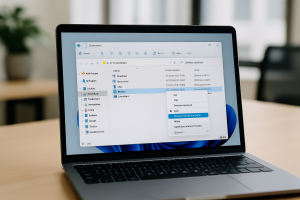
- Locate the file in File Explorer
- Right-click the file
- Select Restore previous versions
- Choose the version you want and restore it
It takes seconds and can save hours of rework.
If File Version History is not set up on your computer or you are not sure how backups are handled in your environment, Wingman IT Services is always here to help make sure your data is protected before something goes wrong.