
Some people think emojis are just for their phones. What’s easy to miss is that Windows has a built-in emoji and symbols panel you can open anywhere you’re typing. No copying from the internet or extra tools needed.
 The Shortcut
Press Win + . (Windows key + period)
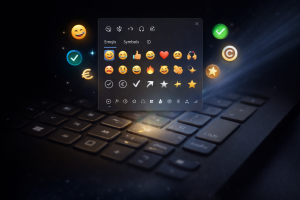
A small panel pops up right where you’re working.
It’s Not Just Emojis
Yes, emojis are there. But the real value is everything else included:
- Currency symbols like €, £, and ¥
- Math symbols such as ±, √, and ≠
- Special punctuation and accented characters
- Arrows and symbols useful for instructions
This utility quietly improves everyday work:
- Emails: Add clarity or tone without overthinking it
- Documentation: Insert the exact symbol you need without digging through menus
- Password hints: Use symbols to jog your memory without writing passwords down
Next time you’re typing, try Win + . and see what’s available.