
 If you work on a Windows computer, there is a built‑in trick that can instantly make your day smoother. It is the Windows key combined with the arrow keys. These shortcuts help you control how your open programs appear on the screen without touching the mouse.
Start with the basics:
- Win + Up Arrow maximizes the current window to full screen
- Win + Down Arrow minimizes the window or restores it to its previous size
These shortcuts are useful when your screen starts to feel cluttered and you want to quickly clean things up or focus on one task.
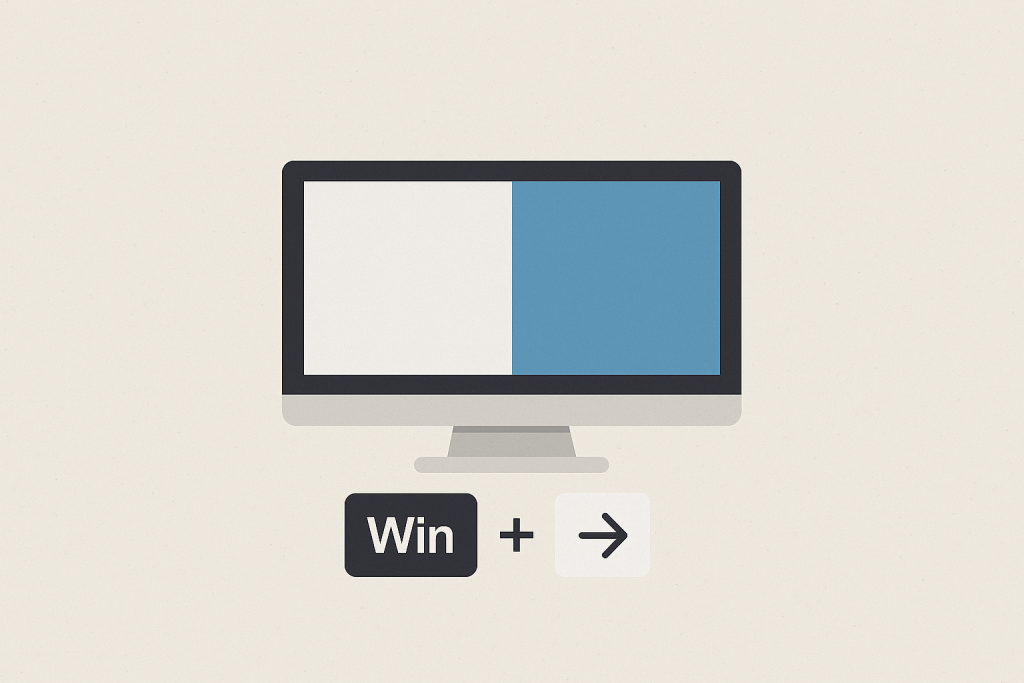
The most useful shortcuts, however, are Win + Left Arrow and Win + Right Arrow.
Pressing Win + Left Arrow snaps the current window to the left half of your screen. Pressing Win + Right Arrow snaps it to the right half. Windows will automatically suggest another open application to fill the remaining side, giving you a clean split‑screen layout in seconds.
This is perfect for everyday tasks like:
- Reading an email while replying in another window
- Viewing a document while entering information into a system
- Comparing two files side by side
- Following instructions while working in a separate program
Once you build the habit, you will stop dragging windows around and wasting time resizing them manually.
These shortcuts work on almost all modern versions of Windows and require no setup. If you use multiple monitors, they become even more powerful, allowing you to quickly move and organize windows across screens.