
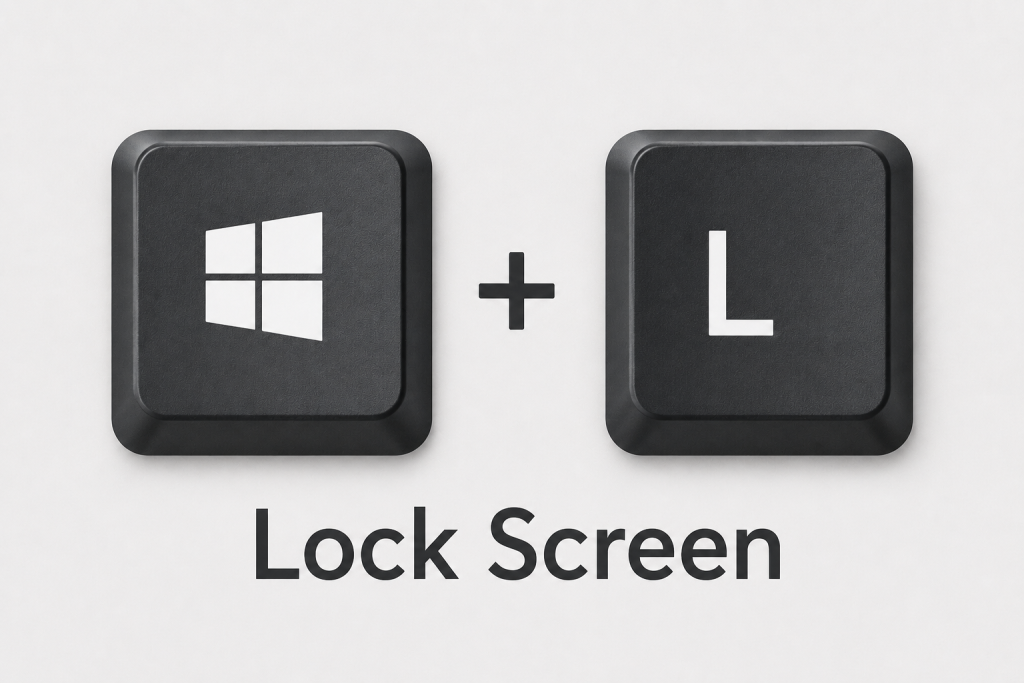
 Have you ever stepped away from your computer “just a minute” and gotten distracted? It happens to everyone. The problem is that an unlocked computer can give anyone nearby access to your emails, files, and other business information.
Fortunately, Windows includes a simple shortcut that helps protect your computer in seconds.
Just press Windows Key + L on your keyboard.
Your computer immediately locks and returns to the sign-in screen. When you come back, simply sign in and continue where you left off.
This shortcut is perfect when you’re heading to a meeting, grabbing coffee, or stepping away from your desk for any reason. It only takes a second, but it can help prevent unauthorized access to important information.
The next time you leave your desk, remember: Windows Key + L.
Need help improving your company’s security practices? Wingman IT Services can help you put safeguards in place to protect your business.