
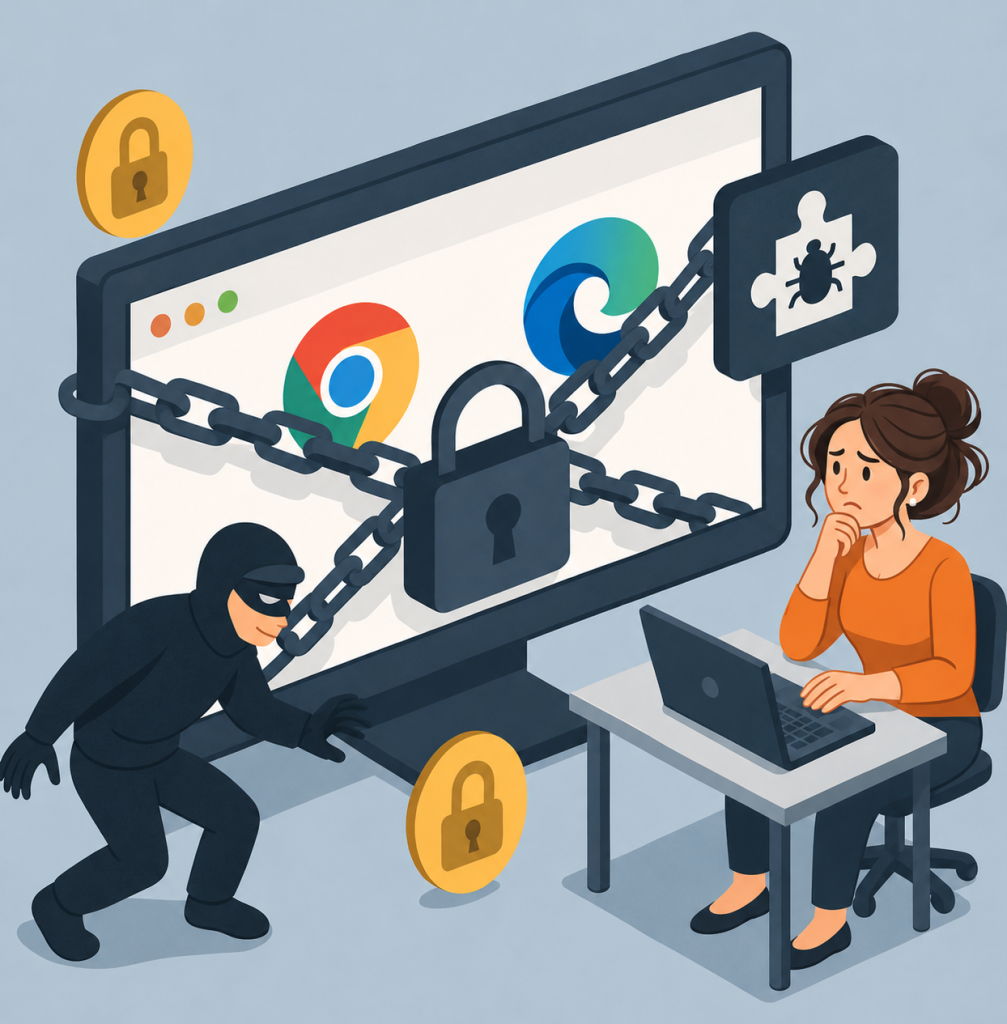
 Browser extensions can be useful tools for saving time, managing passwords, and improving productivity. However, not every extension is as safe as it appears.
Many business owners and employees install browser extensions without paying close attention to the permissions being requested. If an extension asks to “read and change data on websites you visit,” it may be able to access customer details, company emails, and other business information displayed in your browser.
That does not mean every extension is risky. Many legitimate tools need website access to work properly. Password managers, for example, need access to login pages to fill in credentials securely. The important thing is making sure the requested access makes sense for the tool.
Before adding an extension, verify who created it. If it relates to software you already use, access it through the software company’s website rather than searching for it yourself. Be cautious of lookalike extensions that use similar names or branding.
It is also important to understand how an extension handles your data. Some tools send information back to the developer to provide features, while others collect usage data for analytics. Reputable providers should clearly explain what they collect, how they use it, and how long they keep it. If the details are unclear, think twice before using the extension for business purposes.
Extensions also tend to stay installed long after they are needed. Regularly reviewing and removing unused extensions can reduce risk and improve browser performance.
Keep in mind that extensions can change over time. Updates may introduce new features, request additional permissions, or handle information differently than before. An extension that was trustworthy a year ago should still be reviewed.
If your browser warns you about an extension, don’t ignore it. Disable the tool and investigate before continuing to use it. Taking action quickly can help prevent sensitive business information from being exposed. Browser extensions can be valuable business tools, but they should be treated with the same caution as any software that interacts with company information.
If you’re unsure whether the browser extensions used in your business are appropriate and secure, Wingman IT Services can help. We can review the tools your team uses, identify potential risks, and help keep your business data secure. Contact Wingman IT Services to learn more.