
 Most cyberattacks do not start with anything complicated, they start with a simple click on an email, a reused password, or a file uploaded to a familiar service because the authorized option felt slower.
The Verizon Data Breach Investigations Report found that 68% of breaches involve people. Not advanced hacking. Not breaking into a secure system. Just normal behavior during a busy workday.
For businesses using cloud apps across multiple devices, the line between personal and work activity is now blurred. That overlap is normal. Understanding the risk it creates is an important part of staying secure.
How Personal Habits Can Create Business Risk
Phishing shows up most in personal spaces
Personal email, messaging apps, and social media are where phishing is the most common.
These platforms are harder to control, easier to fake, and full of messages designed to get quick reactions. When people use the same device or browser for work and personal use, one click can carry over into business systems.
Phishing works because people are busy, not because they are careless.
Reusing passwords and connecting personal and work accounts
Using the same password across accounts is one of the biggest risks.
If a personal account gets compromised, attackers will try those same logins on business systems. This is called credential stuffing, and it works because password reuse is so common.
Using a different password for every account, along with multi-factor authentication, can prevent this. Even if a password is stolen, the attacker cannot get in without the second step.
Why Blocking Things Does Not Work
Your first instinct may be to lock everything down. Block apps, limit browsing, and enforce strict rules.
In reality, this does not stop the behavior. It just pushes it somewhere else. People use personal devices or unapproved tools, and IT teams lose visibility. The risk does not go away. It becomes harder to see.
Strong security is not about stopping all personal activity. It is about managing it in a way that fits how people actually work.
What Actually Helps Reduce Risk
The best approaches are simple and practical:
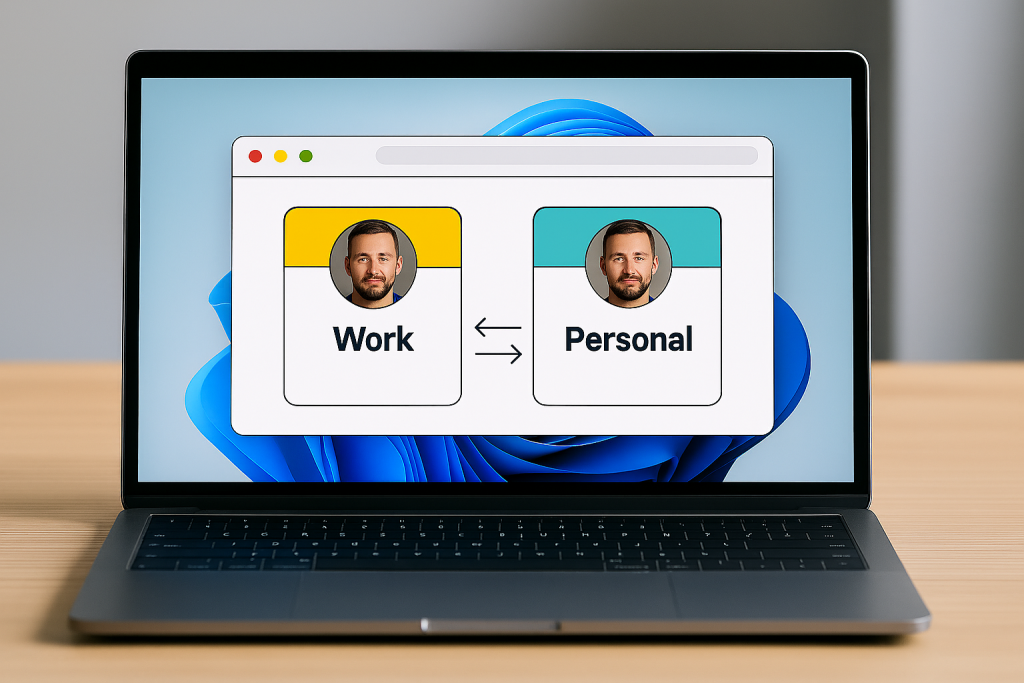
- Keep work and personal activity separate
Use separate browser profiles for work and personal use. Provide clear guidance on where work accounts should be accessed. Small steps like this reduce accidental crossover. - Plan for passwords to be exposed
At some point, a password will likely be compromised. Plan for that instead of trying to prevent it completely.
Multi-factor authentication makes accounts much harder to break into, even if the password is known. - Make the safe choice the easy choice
People follow security practices more consistently when they do not slow them down.
Want to reduce risk without slowing your team down?
Wingman IT Services can help you review your current setup and find simple ways to improve security. We also off end user security awareness training to help train your staff to have safer habits. Tiny little trainings that make a huge difference. Call us today and we’ll show you how to make your people more secure.