
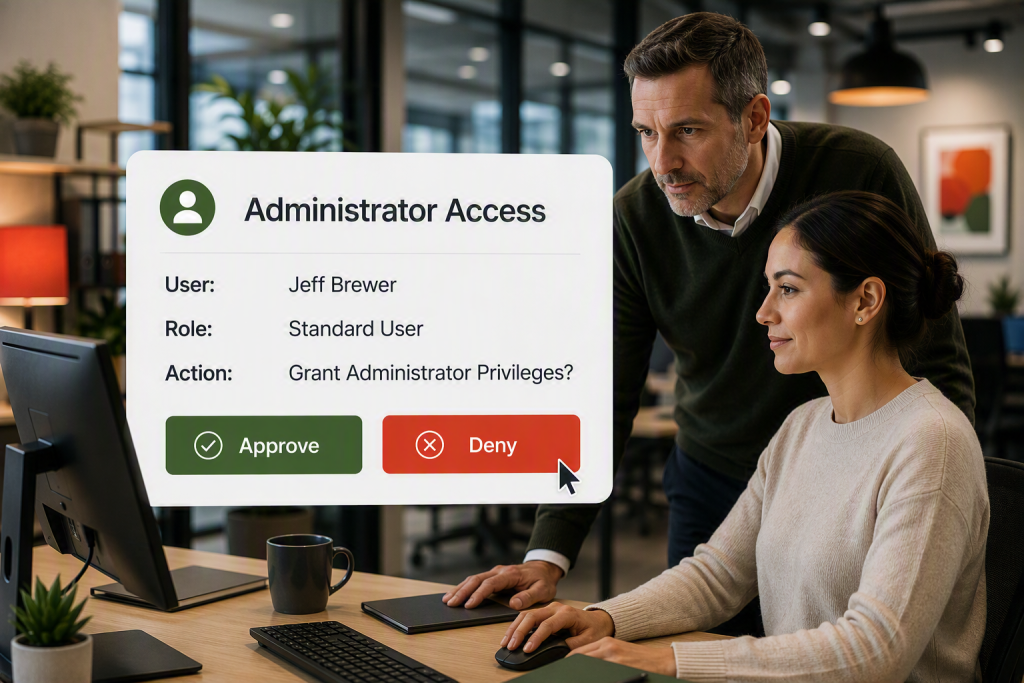
 You wouldn’t give master building keys to all your employees and vendors, but that’s exactly what administrator access provides for your computers.
Giving employees administrator access to their computers often starts with a simple request. Someone needs to install a printer, update a program, or make a change to their workstation. Granting administrator rights can seem like the quickest solution.
The problem is that those permissions often stay in place long after the task is complete. Once an employee has administrator access, they can install software, change settings, disable security controls, and make other changes that would normally require approval.
Most employees are not trying to cause problems, but mistakes happen. Illegally downloaded software, accidental changes that crash a computer, or clicking on a malicious link that can now deeply infect the system can cause catastrophic damage. In many cases, a cybercriminal only needs one compromised administrator account to gain access to far more than a single computer.
Many business owners are surprised to learn how many employees have administrator rights. In many organizations, access was granted years ago to solve a temporary issue and was never removed.
The easiest way to think about administrator access is as a master key. You probably would not hand every employee a key that opens every door in your building. The same principle applies to your computers. Most employees only need access to the tools required to do their jobs.
The good news is that employees do not need administrator rights for everyday work. Standard user accounts allow them to send email, use Microsoft 365, access business applications, print documents, and work with company files. For most businesses, that covers everything employees need.
Software installation is one of the most common reasons businesses grant administrator access. While it may seem convenient, it is rarely necessary. Whoever manages your technology, whether it is an internal IT team or an outside IT provider, can install software or approve requests when needed. This gives employees access to the tools they need without creating unnecessary risk.
If you are unsure who has administrator access in your company, now is a good time for a review. Many organizations discover old permissions that no longer serve a purpose. Removing unnecessary access is one of the simplest ways to improve security and reduce avoidable problems.
If you would like help reviewing administrator access in your organization, contact Wingman IT Services. We can help identify unnecessary risks, recommend practical improvements, and make sure your technology supports both security and productivity.