
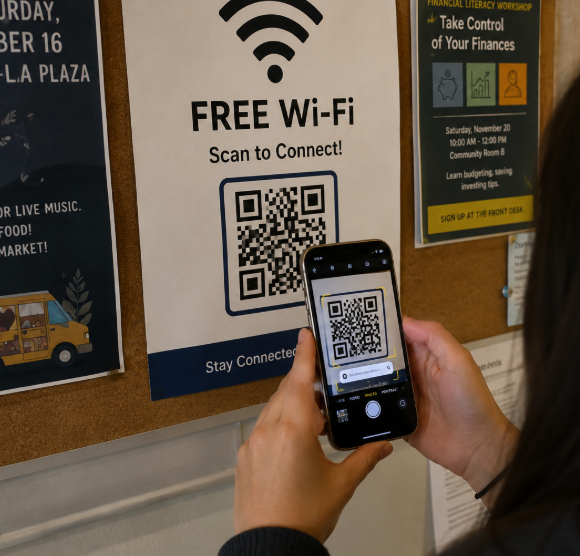
 QR codes have become a normal part of doing business. We use them for payments, Wi-Fi access, file sharing, and more. Unfortunately, scammers have caught on and are now using QR codes to trick people into giving up passwords, payment information, and other sensitive data.
Known as “quishing,” these attacks replace a normal web link with a QR code. When someone scans the code, it opens a fake website that may look like Microsoft 365, a bank, or another trusted service. If the user enters their information, it goes directly to the scammer.
These scams are effective because QR codes hide the destination website. They also often move users from a protected work computer to a personal phone, which may not have the same security tools in place.
Common examples include emails asking you to scan a code to keep your account active, PDF invoices that contain fake payment QR codes, and tampered QR codes placed on public payment terminals or parking meters.
To stay safe, treat a QR code the same way you would treat an unexpected link. Before opening it, check the website address your phone displays. If something looks suspicious, do not continue. When possible, visit the website directly by typing the address yourself. Multi-factor authentication can also help protect accounts if a password is stolen.
If someone on your team scans a malicious QR code and enters information, change the affected password immediately, confirm multi-factor authentication is enabled, and notify your IT provider so they can investigate.
QR codes are convenient, but they should never be trusted automatically. A little caution can go a long way in preventing a costly security incident.
If you’re concerned about protecting your business from phishing attacks and other cyber threats, contact Wingman IT Services. We can help you put the right security measures in place and keep your business protected.